


Essential WordPress Plugins: Must-Have Tools for Enhancing Website Functionality and Performance
content:
WordPress is an extremely flexible and powerful content management system (CMS), but its true strength lies in its plugin system. Plugins allow you to easily add almost any functionality to your website, improving performance, security, SEO optimization, and more. In this article, we'll introduce some essential core plugins to help you build a more efficient, secure, and optimized WordPress website.
What are WordPress plugins?
WordPress plugins are tools used to extend the functionality of WordPress websites. With plugins, you can add various features to your website, such as SEO optimization, e-commerce functionality, security protection, backup and recovery, and more. WordPress has a vast plugin library, many of which are free, and some are even high-quality paid plugins.
Essential core plugins for WordPress
Here are some powerful core plugins that work for almost all WordPress sites.
1. Yoast SEO
FunctionSEO optimization
IntroductionYoast SEO is one of the most popular WordPress SEO plugins, providing a complete suite of optimization tools to help improve your website's search engine ranking. With Yoast SEO, you can easily set up meta titles, descriptions, keyword optimization, and manage internal links and social media settings. Its content analytics features also help ensure your content is SEO-friendly.
Why recommend:
- Provides easy-to-use SEO analysis and advice
- Automatically generate XML site map
- Integrated social media optimization

2. WooCommerce
FunctionE-commerce
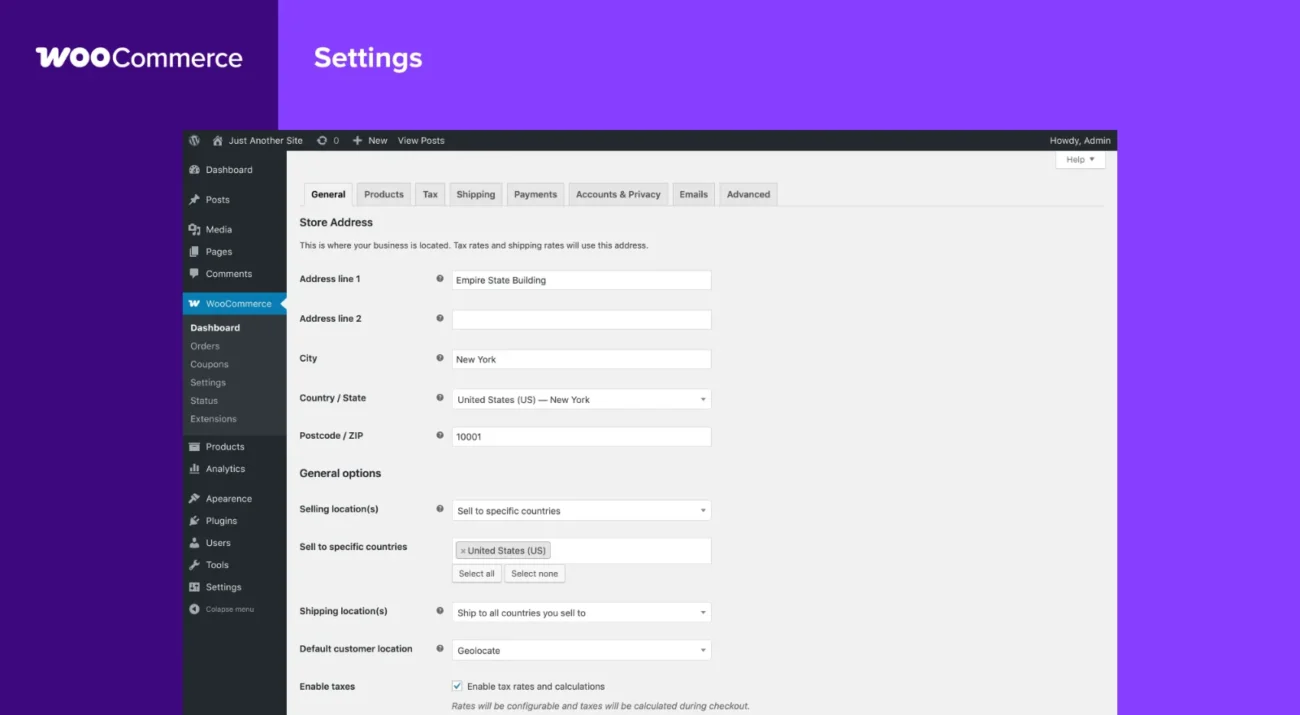
IntroductionWooCommerce is the most popular WordPress e-commerce plugin for users who want to sell products on their websites. It supports physical and digital products, inventory management, payment gateway integration, tax calculation, and more. With WooCommerce, you can easily transform your WordPress website into a fully functional online store.
Why recommend:
- Complete e-commerce solutions
- Offers flexible payment and delivery options.
- Powerful inventory and order management features
3. Akismet Anti-Spam
FunctionAnti-spam comments
IntroductionAkismet is the officially recommended anti-spam plugin for WordPress. It effectively identifies and blocks spam comments on websites, reducing the workload for administrators who manually filter spam. Through integration with WordPress, Akismet automatically scans each submitted comment, determines whether it is spam, and processes it automatically.
Why recommend:
- Effectively prevent spam comments
- Automatically clean up spam comments
- Preventing the spread of malicious links
4. Elementor
FunctionPage Builder
IntroductionElementor is an intuitive drag-and-drop page builder plugin that makes website design incredibly simple. Even without any development experience, you can easily create and design beautiful web pages with Elementor. It offers a large number of pre-designed templates and widgets, supports responsive design, and perfectly adapts to various devices.
Why recommend:
- User-friendly visual editing interface
- Offers a wide range of design widgets
- Create beautiful pages without writing any code

5. Wordfence Security
FunctionWebsite security
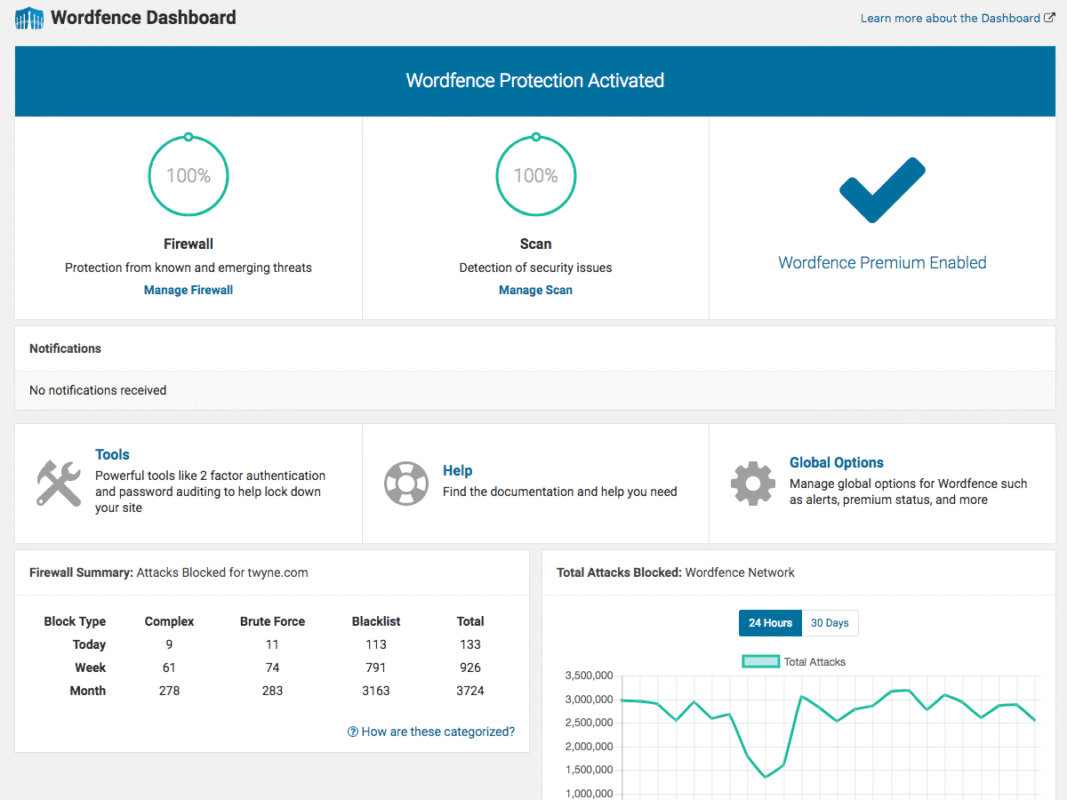
IntroductionWordfence Security is one of the most popular WordPress security plugins. It protects your WordPress website from hackers, malware, and other security threats through features such as firewall, malware scanning, and real-time traffic monitoring. Wordfence provides detailed security reports to help website administrators identify and resolve potential security issues promptly.
Why recommend:
- Strong firewall protection
- Security checks via malware scanning
- Real-time traffic monitoring and attack defense
6. UpdraftPlus
FunctionWebsite Backup
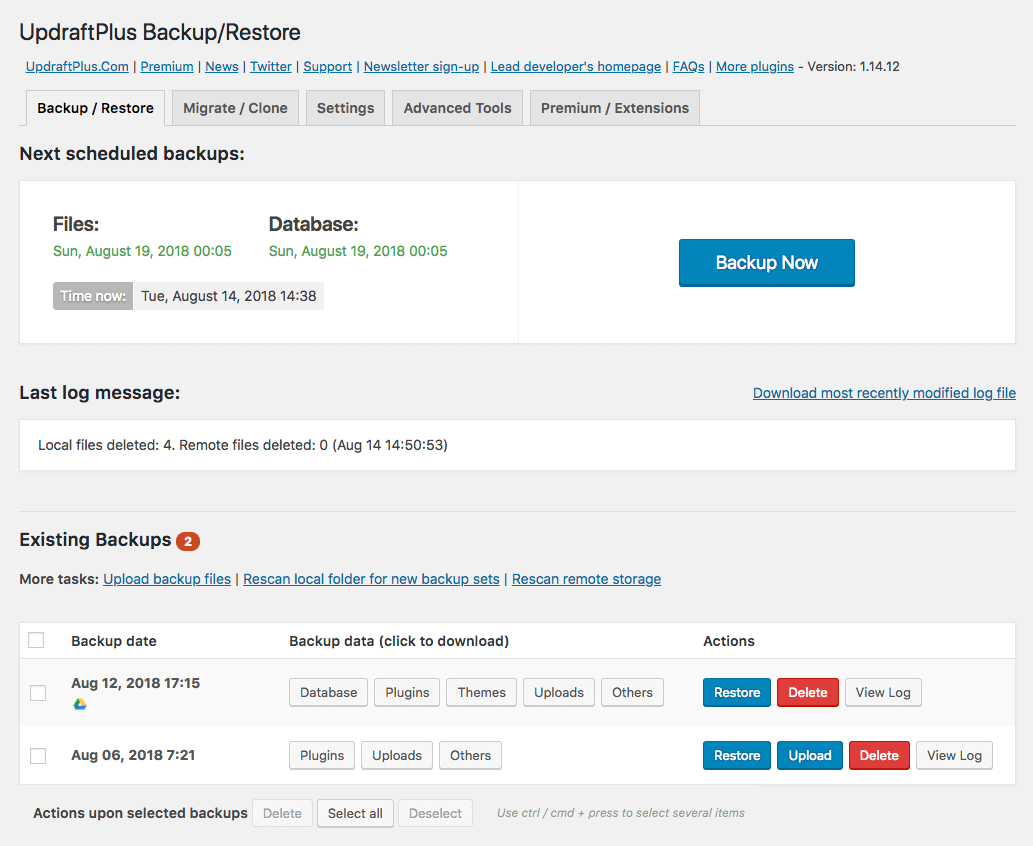
IntroductionUpdraftPlus is a very popular WordPress backup plugin. It allows you to regularly back up your entire website, including databases, files, and media files. You can also store backups on external cloud services such as Google Drive, Dropbox, or Amazon S3 for quick recovery in case of website problems.
Why recommend:
- Automated backup, perform data backups regularly
- Supports storing backups on various external cloud services.
- Easy to restore the website to its previous state
7. Smush
FunctionImage optimization
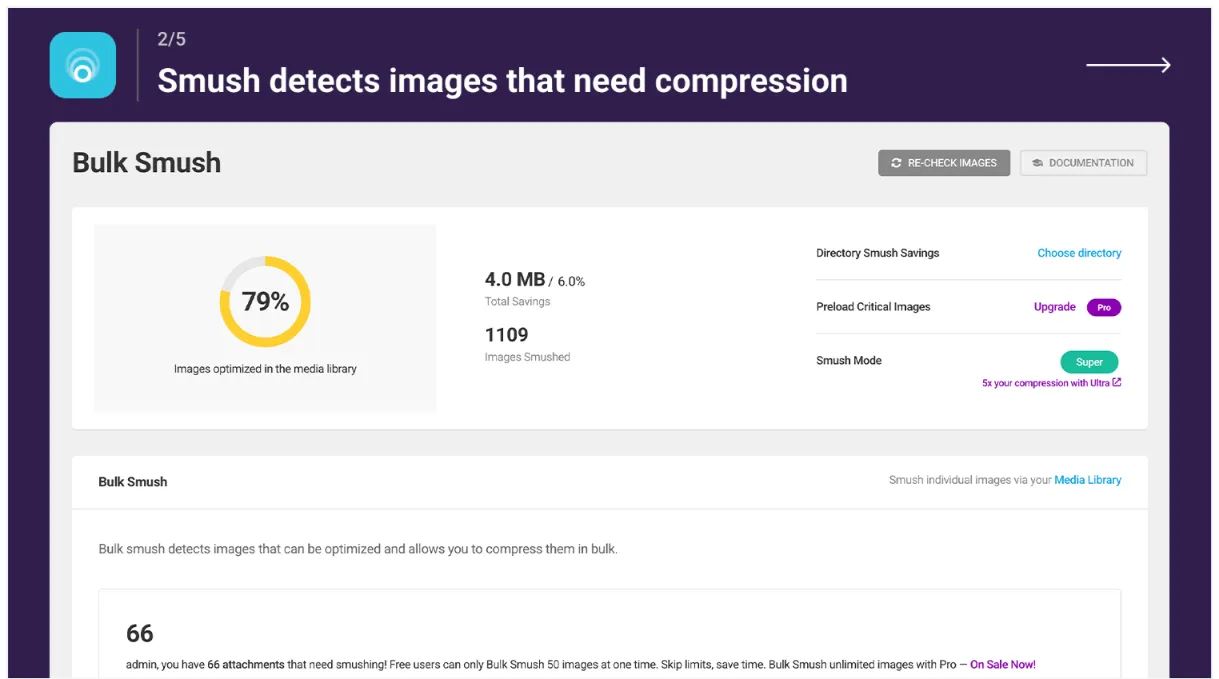
IntroductionSmush is a plugin for optimizing and compressing images. It can automatically compress images uploaded to a website, reducing image size and improving page load speed. Smush supports batch image optimization, helping you significantly improve the overall performance of your website.
Why recommend:
- Automatically compress images to improve page loading speed.
- Support batch optimization
- Reduce file size while maintaining image quality
Conclusion
The plugins listed above cover almost all the core functionalities required for any WordPress site. Depending on your needs, you can choose to install some of these plugins to improve your website's functionality, performance, security, and user experience. While WordPress has a rich plugin library, choosing the right plugins is crucial to avoid overloading your website with too many plugins.
If you haven't installed these plugins yet, get started now! They will help you manage and optimize your WordPress website more easily.
Recommended cross-border dedicated lines
Safe and stable, fast response, smooth live streaming

Recent Posts
- WordPress Admin Panel Optimization: A Complete Guide to Improving Website Performance and User Experience
- Recommended mainstream paid themes overseas
- Based on real-world testing, here are 5 recommended static residential IP service providers suitable for TikTok operations.
- How to create a floating icon on the right side of a website
- How to integrate the WooCommerce PayPal Payments plugin with PayPal payments